Aspects for Mac.
Framing new fresh takes.
Creative tools and proper infrastructure for your work and visual assets.
Your agents rather like it too.
Creatives, this might actually be all you need.
Ten essential tools.
Crop, Capture, Cut, More.
Learn one and you know all ten: a source, a few dials, a finished file.
Exports locally. Cloud is optional.
The central API for your visual assets.
Presentations
Finished work put in order, from creative presentations to sales decks. You start from a layout, then change anything on it.
About Presentations
Notes
A writing surface with nothing in it. No markdown, no preview, no export. You open it and you type.
About NotesMCP server.
Agent access, built right in.
Claude Code and other assistants can read your library, find an export and start a render.
Reading needs no permission. Acting is off until you turn it on.
claude mcp add aspects -- /Applications/Aspects.app/Contents/Helpers/aspects-mcp
Added MCP server aspects.
The server ships inside the app. Nothing leaves your Mac.
Finder intelligence
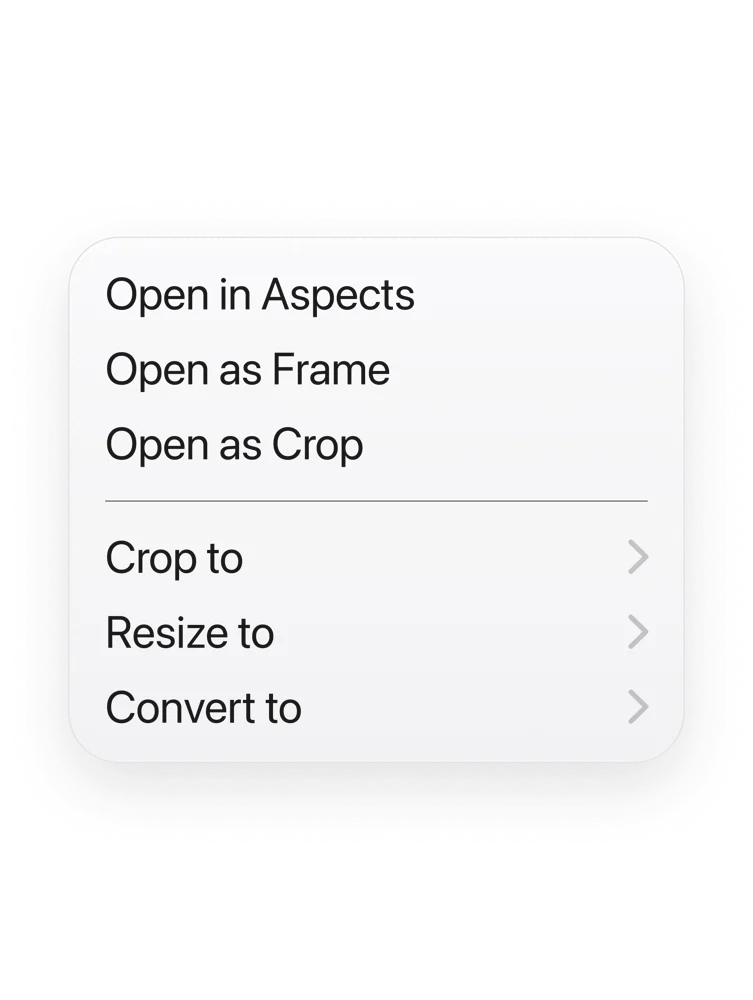
Right-click any picture
Open it from Finder as a Frame, a Crop or a Cut, with the tool already chosen.
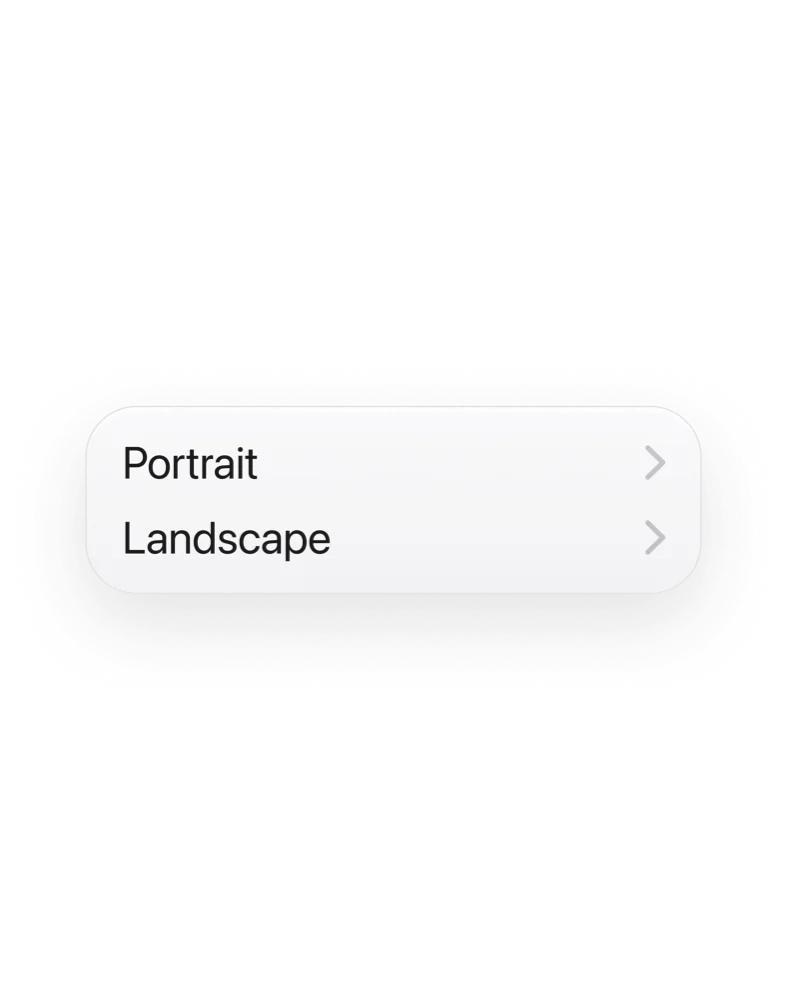
Crop without opening
Crop to a square where it sits. The app never comes forward and the original is untouched.
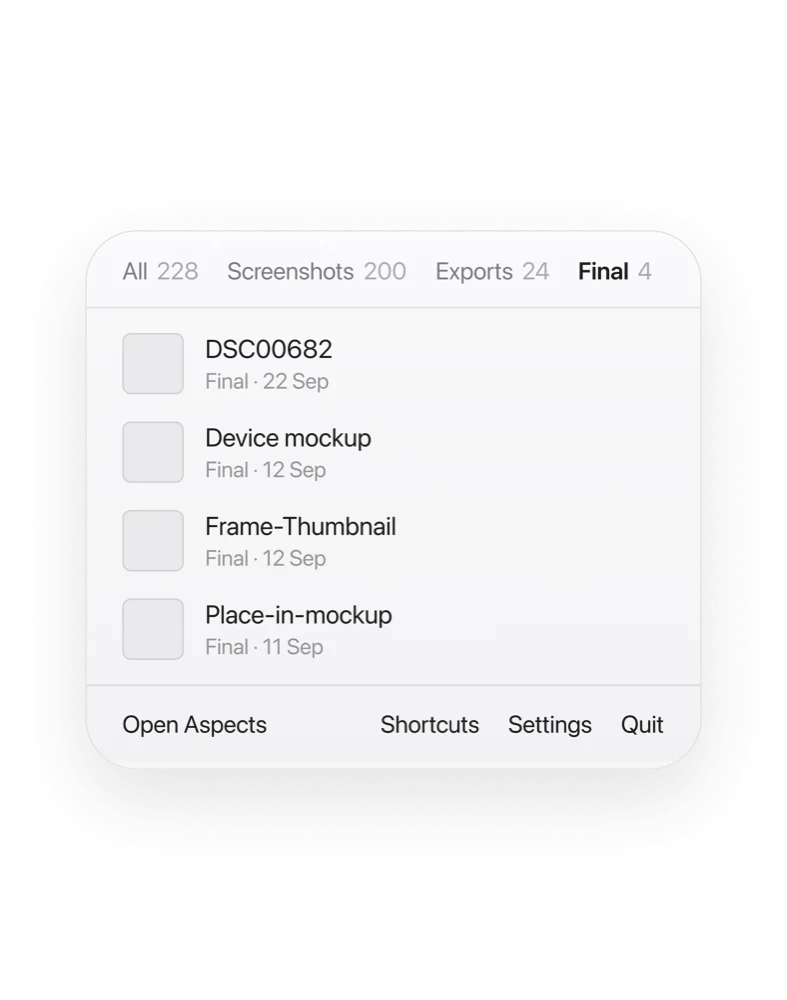
Quick reach menu
A shelf in the menu bar holding recent screenshots and exports. One keystroke copies the newest.
Optional Cloud.
Reach. Share. Publish. Anywhere.
Every export and final asset lands on your iPhone the moment it renders.
Send it from wherever you are.

The app is yours either way.